Dungeon Dash
A downloadable game for Windows
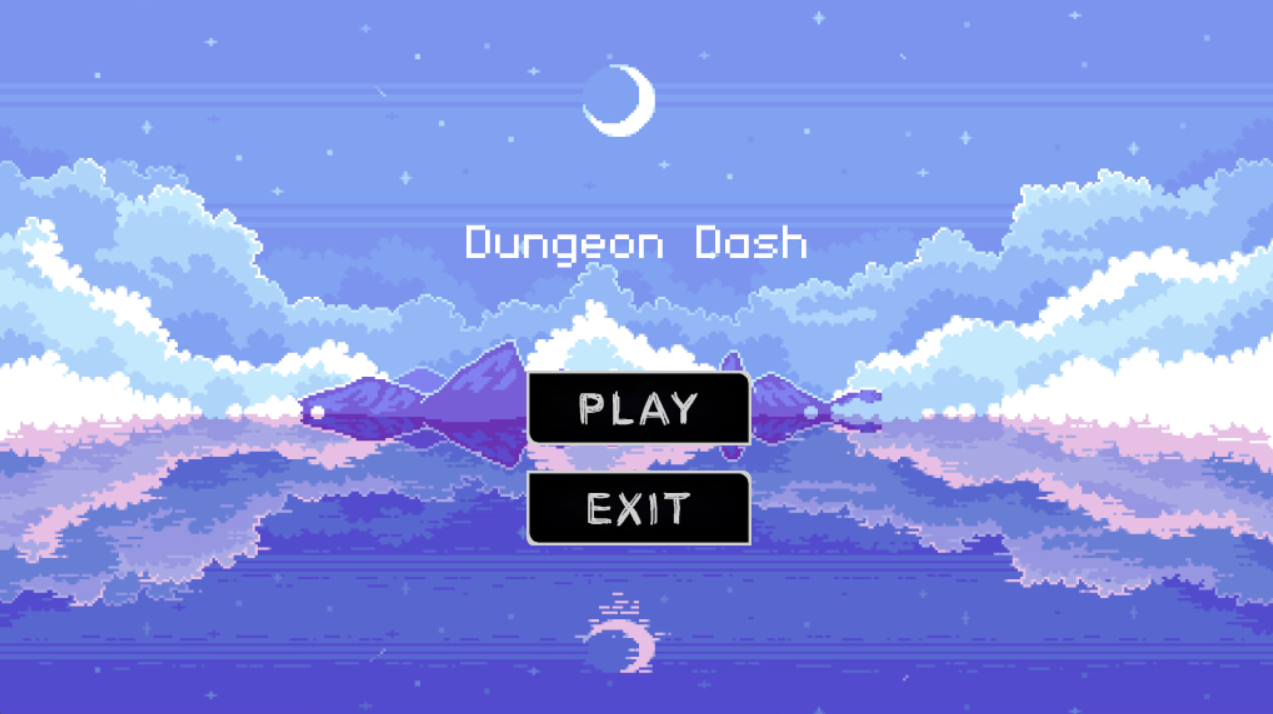
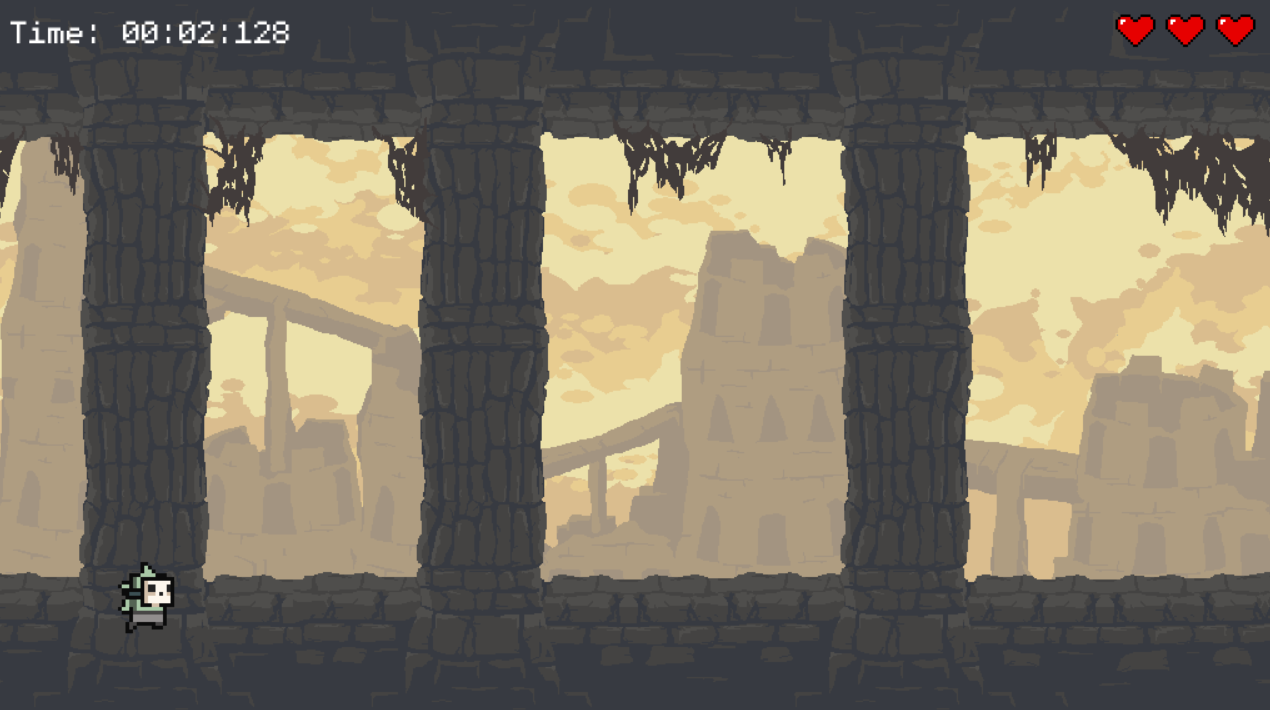
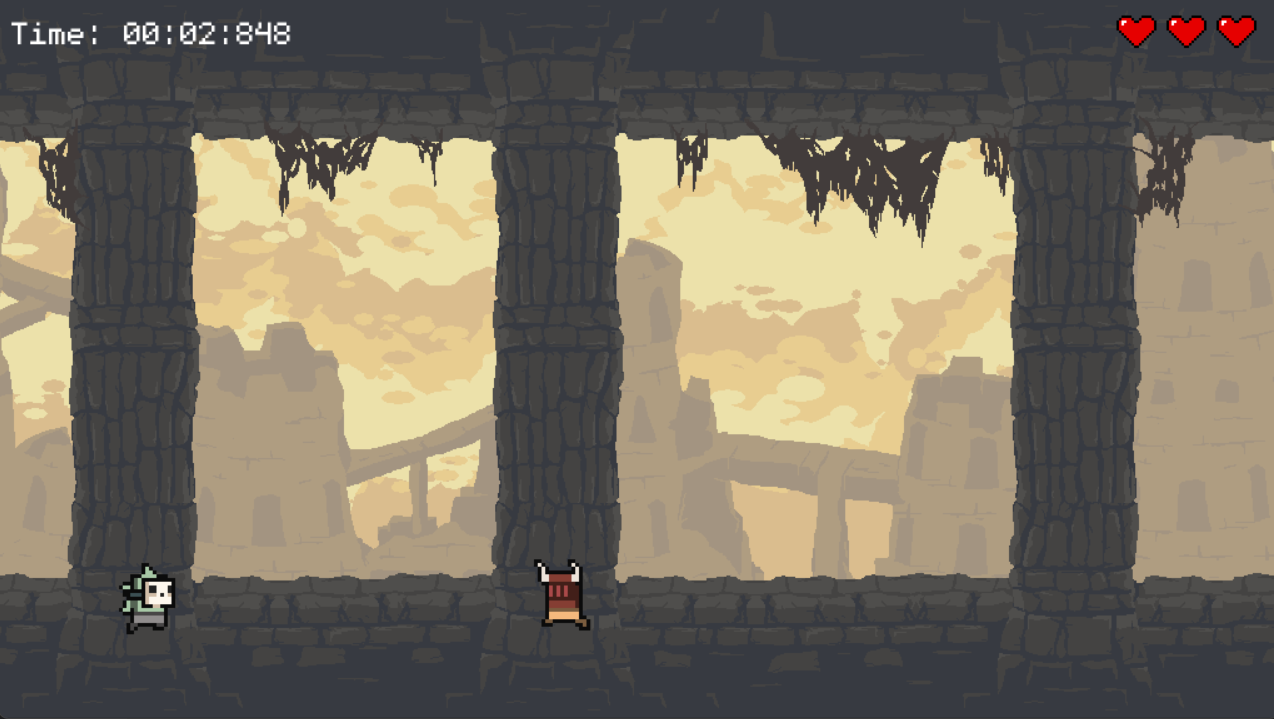
Dodge, jump, and run in this fast-paced endless runner game! Control a courageous hero who must outrun waves of enemies while collecting coins and avoiding obstacles. Time your jumps, avoid dangerous foes, and survive for as long as you can! The longer you run, the faster the game gets, testing your reflexes and reaction time.
Features:
- Simple yet challenging game play with intuitive controls
- Increasing speed and difficulty as you progress
- Collect coins and earn high scores
- Stunning animations and smooth background scrolling
- Exciting game-over screens with your final stats
Can you beat your best time?
Download
Install instructions
Controls
Space - Jump
X - Shoot
Left Mouse/Right Mouse - Clicks on the menu buttons
Step 1: Extract the file
Extract the dungeon dash file from the zip folder
Step 2: Run the game
Open the Dungeon Dash.Exe file and play
Step 3: Bugs
There are some certain bugs with the game right now:
1- When shooting, the bullet sometimes dosnt like the code and dosnt kill the enemy
FOR MAC
Install instructions
Prerequisites:
To start your adventure in the dystopian world of Endless Runner, you must first have Python installed on your machine. This game requires Python version 3.6 or later. If Python is not yet installed on your computer, you can download it from the official Python website: https://www.python.org/downloads/.
Step 1: Install Python
- Visit https://www.python.org/downloads/ and download the latest version of Python (make sure it's version 3.6 or higher).
- Run the downloaded installer. During the installation process, ensure to select the option "Add Python 3.x to PATH" to make Python accessible from the command line.
- After installation, open your command line interface (Command Prompt for Windows, Terminal for macOS and Linux) and type `python --version` to check the installation. You should see the installed Python version displayed.
Step 2: Install Pygame Zero
Pygame Zero (pgzero) is a simplified game development library aimed at beginners and educational environments. It makes creating games with Python much easier, which is ideal for our game, Endless Runner.
Install Pygame Zero by executing the following command in your command line:
pip install pgzero
This command utilizes pip, the package installer for Python, to fetch and install the Pygame Zero library from the Python Package Index (PyPI).
Step 3: Download Endless Runner
Now that you have Python and Pygame Zero ready, the next step is to download the Endless Runner game files.
- Obtain the Endless Runner game files from the provided download link. (Note: Add the actual link or instructions here based on your distribution method.)
- Extract the files from the downloaded ZIP archive to a directory of your choice. This directory will now contain all necessary files to run Endless Runner.
Step 4: Launch the Game
To start Endless Runner, open your command line and change the directory to where you've extracted the game files. You can do this with the `cd` command, followed by the path to your game directory. For instance:
cd path/to/folder_of_game
Within the game's directory, start Endless Runner by executing:
pgzrun Dungeon Dash.py
Here, `main.py` refers to the primary script file for Endless Runner, and `pgzrun` is a command from Pygame Zero to execute Pygame Zero games.
You're all set! Dive into the dystopian world of Endless Runner, guide your character through the endless obstacles, and explore the remnants of a civilization on the brink. Enjoy your journey towards liberation!
Development log